官方保障|直连原生正版模型,稳定、不降智、不掺水!所有 Pro 计划限时特惠!
立即开通
image2.vip
首页
灵感
场景
工具
教程
价格
API & Skills
返回灵感广场
1 / 1
信息图创作指南
信息图 / 教育视觉 - AI 画廊人像 UI 截图
案列来源:λL-D1 | AI for Buzzer 🍉
UI 设计稿
openai/gpt-image-2
#UI 设计
#信息图
#极简
#人像
#封面图
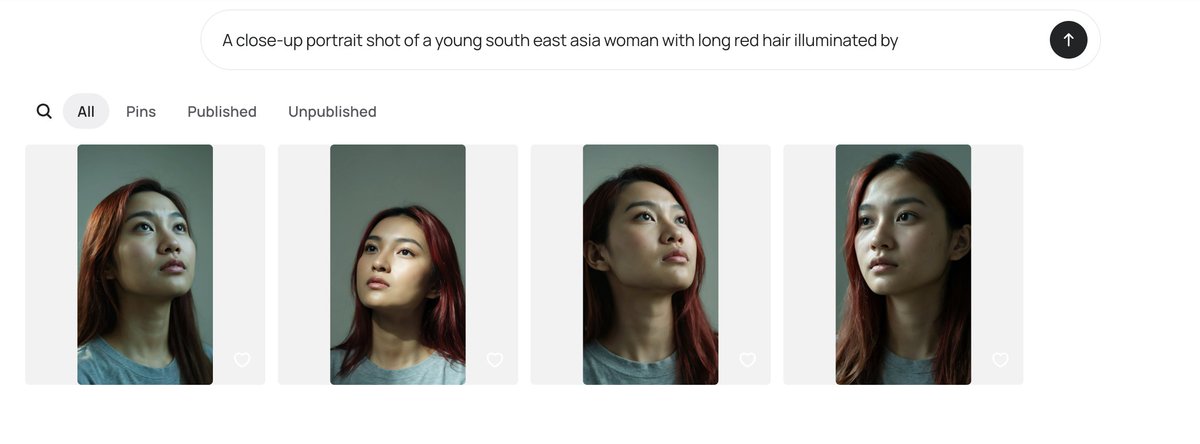
极简AI图像画廊截图,含四个打码人像缩略图和提示输入栏。
11.8w
人正在用
4:5
推荐尺寸
3.4w
收藏人数
提示词模板
复制全文
Goal: Create a clean desktop web app screenshot showing an AI image generation gallery interface for comparing portrait outputs. Canvas: Wide horizontal browser-like screenshot, approximately 1200×410 px, white background with generous margins, minimal modern UI. Top input area: Centered rounded prompt bar near the top, light gray outline, containing the exact prompt text: “A close-up portrait shot of a young south east asia woman with long red hair illuminated by”. At the far right inside the bar is a black circular submit button with a white upward arrow. Navigation row: Beneath the prompt bar, aligned left, show exactly 5 navigation elements: 1 magnifying-glass search icon, 2 selected pill tab labeled “All”, 3 text tab labeled “Pins”, 4 text tab labeled “Published”, 5 text tab labeled “Unpublished”. Use dark gray text, with the selected “All” tab in a light gray rounded pill. Gallery layout: Show exactly 4 image cards in one horizontal row, evenly spaced. Each card is a pale gray rounded rectangle background with a vertical portrait thumbnail centered inside it and a small white outline heart icon near the lower-right corner of the card. Portrait thumbnails: Each thumbnail depicts a close-up portrait of a young Southeast Asian woman with long red hair, wearing a plain gray T-shirt, photographed from the shoulders up against a muted green-gray background. The lighting is moody and directional, with realistic skin texture, dark shadows under the chin and neck, and warm reddish highlights in the hair. The face in each thumbnail is obscured by a soft rectangular blur censor block in muted beige-gray tones. Count and variation of the 4 portraits: 1 left card shows the woman slightly angled with hair falling over the left side and the head cropped near the top; 2 second card shows a straighter centered head-and-shoulders crop with red hair framing both sides; 3 third card shows the chin lifted and neck elongated, face turned slightly upward with red hair visible on the right; 4 fourth card shows the closest crop, head high in frame, red hair along both sides, with the darkest face blur rectangle. Visual style: Minimal white UI, soft shadows or very subtle borders, rounded corners, neutral gray typography, realistic generated portrait thumbnails. Keep the interface uncluttered and preserve the exact visible text labels. Do not add logos, watermarks, extra buttons, or additional gallery items.
立即使用此灵感
相似灵感推荐
查看更多
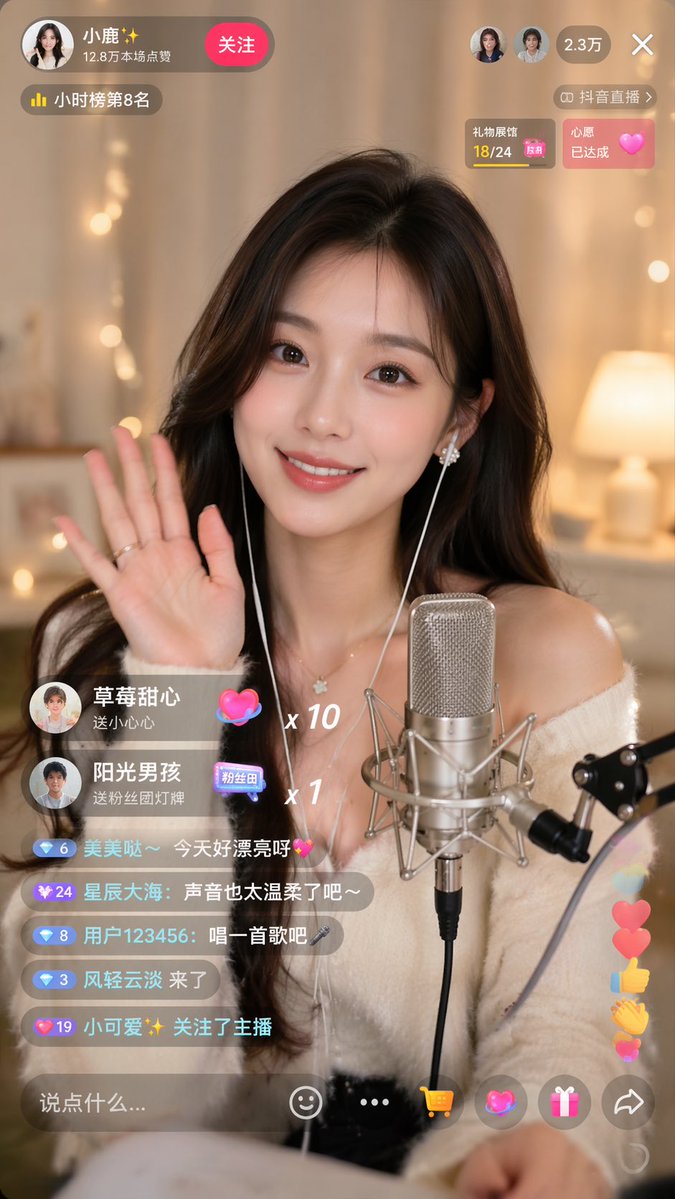
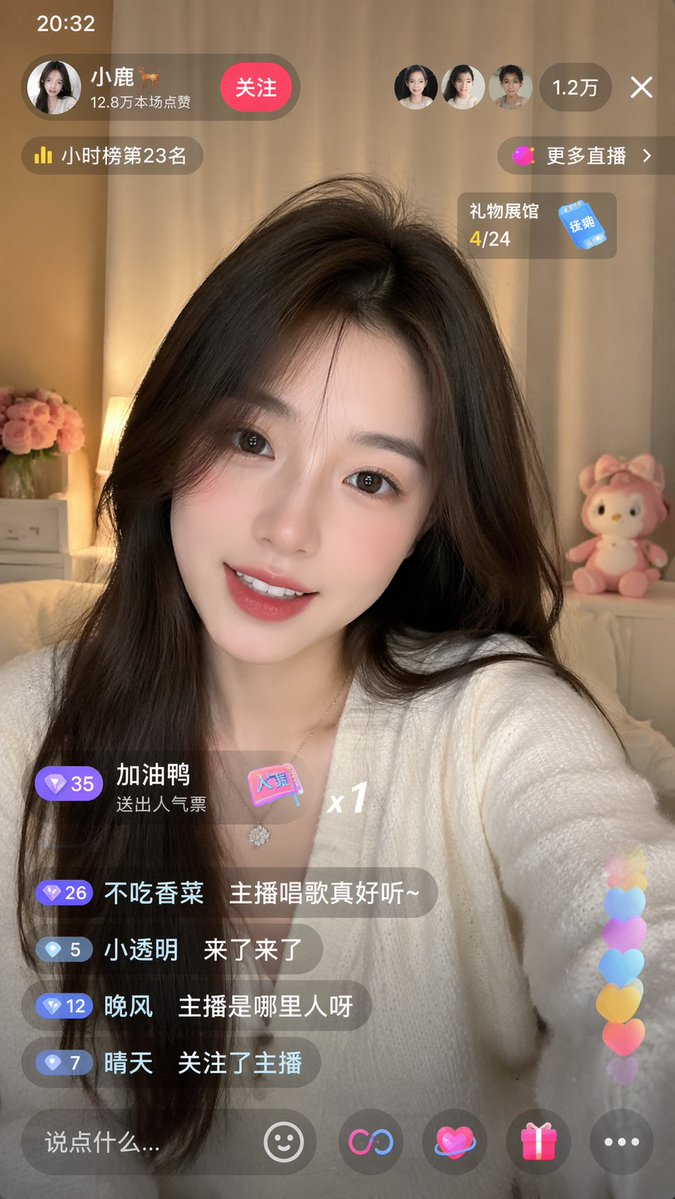
抖音直播间 UI 提示词
#UI 设计
#体验设计
#界面
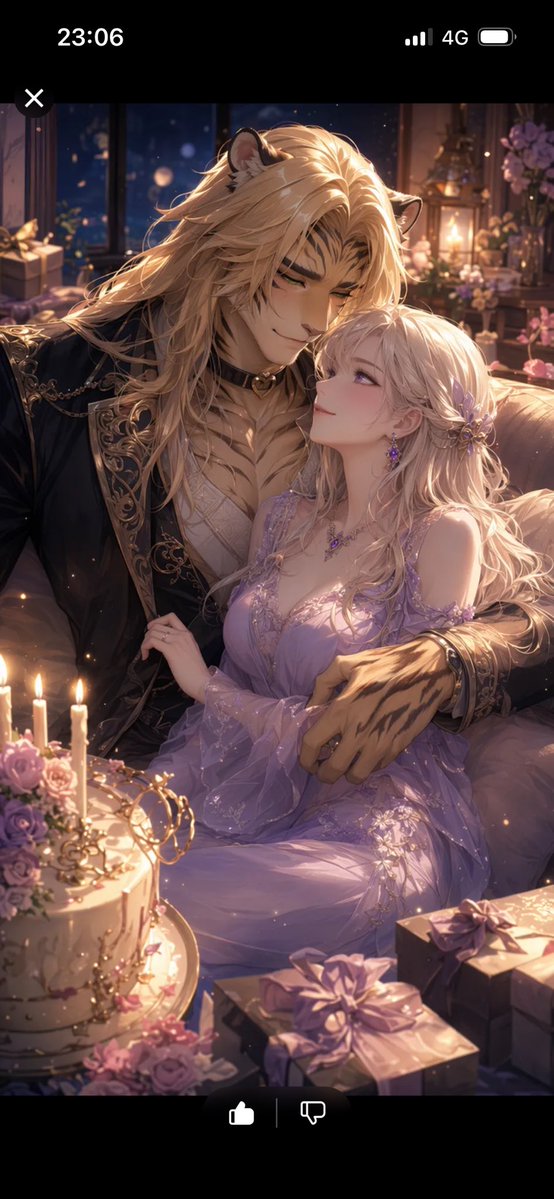
社交媒体帖子 - 浪漫兽人周年纪念截图
#UI 设计
#竖版 9:16
#动漫
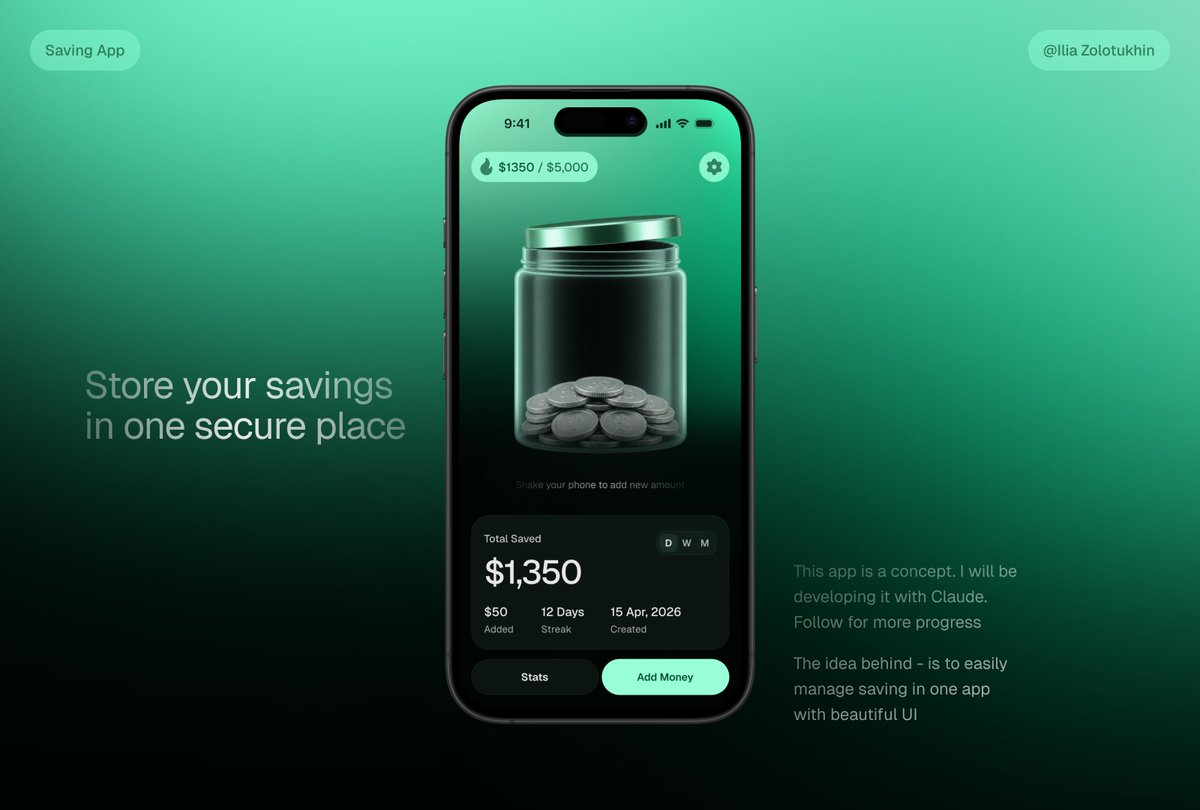
产品营销 - 3D 储蓄罐 App UI 样机
#UI 设计
#极简
#电商
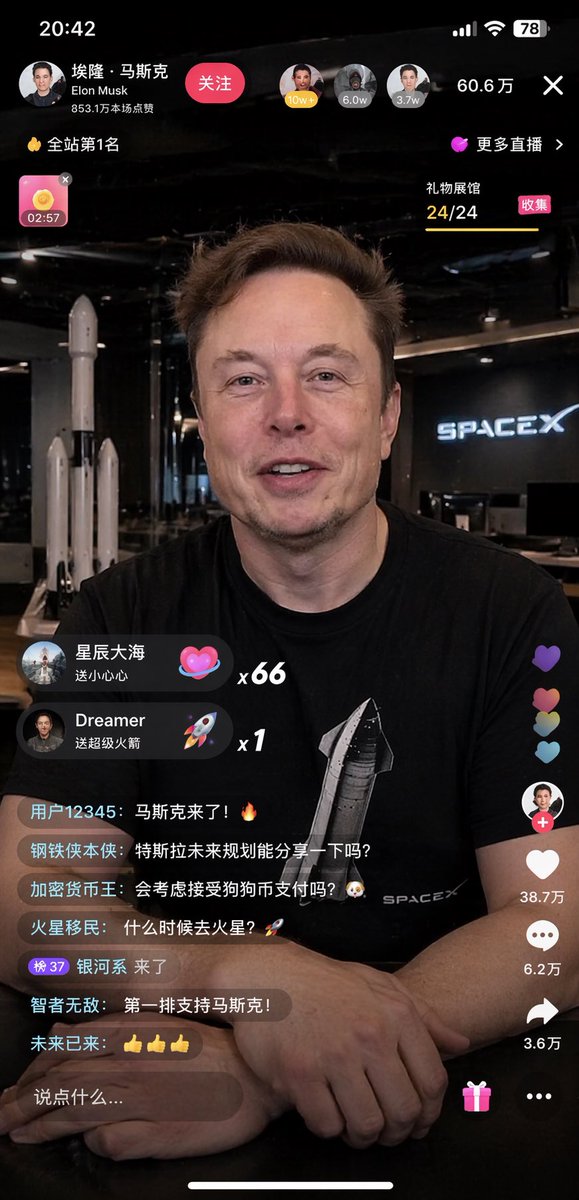
直播 App 界面模型
#UI 设计
#体验设计
#界面
直播 App 界面模型
#UI 设计
#赛博朋克
#Elon Musk
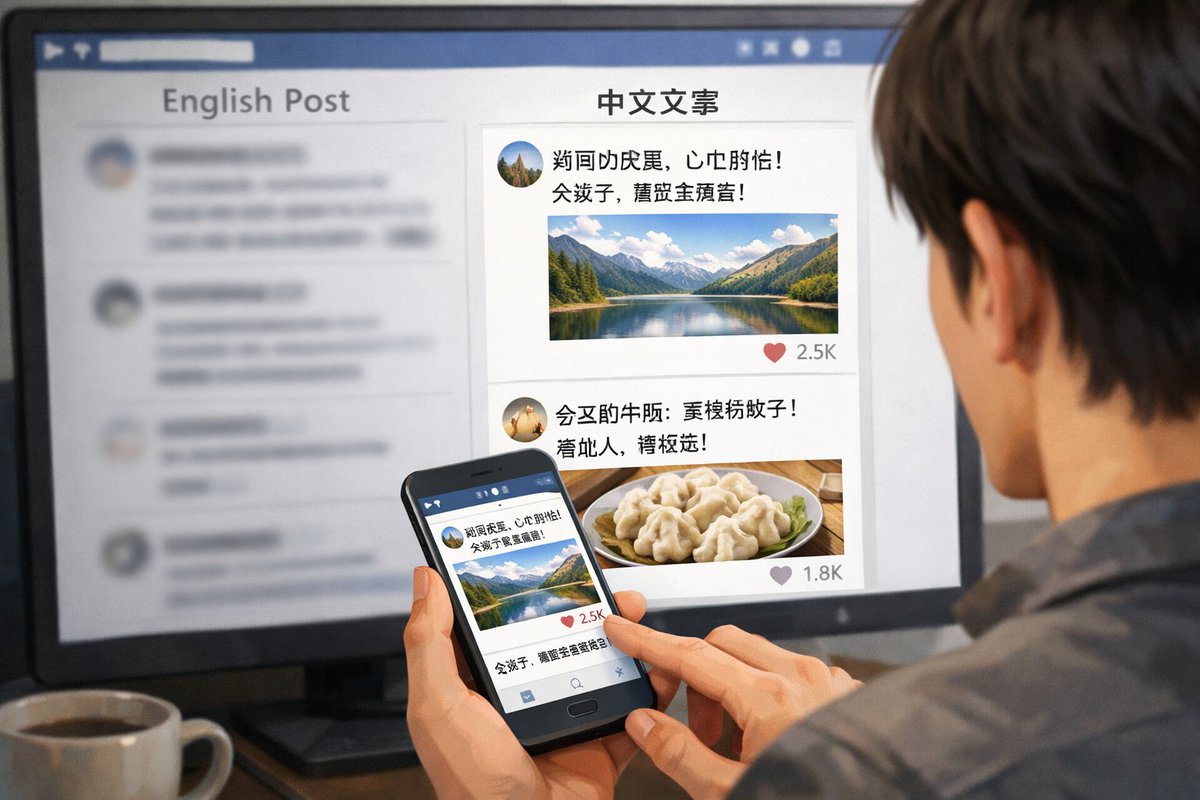
跨设备社交媒体信息流
#UI 设计
#风景
#体验设计
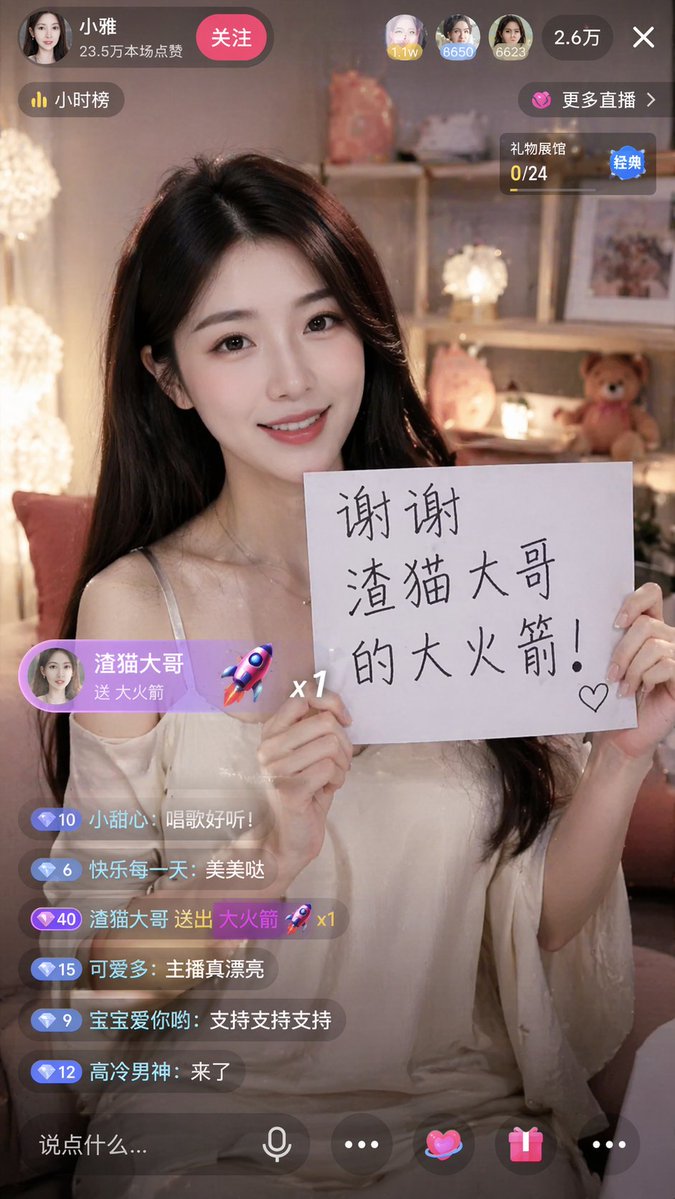
直播 App 截图生成器
#UI 设计
#竖版 9:16
#人像
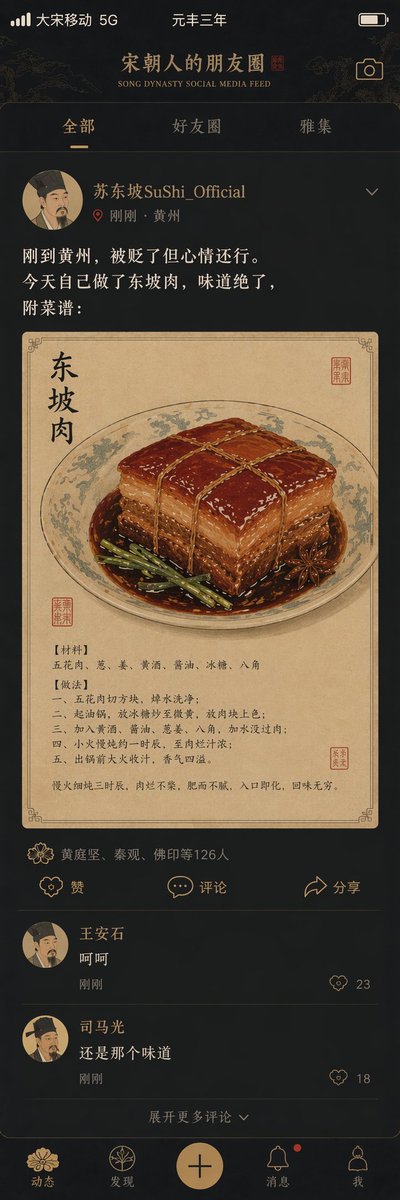
宋朝社交媒体动态
#UI 设计
#人像
#中国风
深色 AI 编程仪表盘 UI
#UI 设计
#横版 16:9
#体验设计
机械键盘产品页面模型
#UI 设计
#电商
#封面图