官方保障|直连原生正版模型,稳定、不降智、不掺水!所有 Pro 计划限时特惠!
立即开通
image2.vip
首页
灵感
教程
价格
API & Skills
返回灵感广场
1 / 1
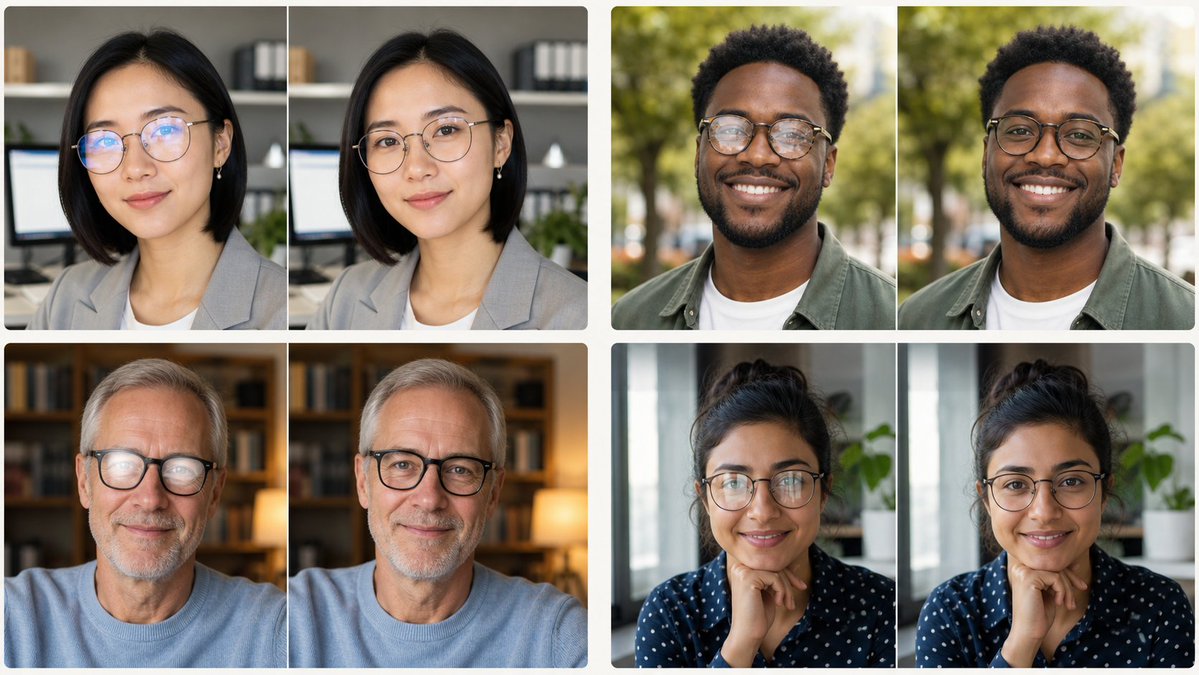
信息图/教育视觉 - 眼镜反光去除拼贴
案列来源:peak of human evolution
信息图 & PPT
openai/gpt-image-2
#信息图
#人像
#横版 16:9
#示意图
#教育
展示证件照编辑中去除眼镜反光的前后效果的真实2×2拼贴。
7.4w
人正在用
4:5
推荐尺寸
1.2w
收藏人数
提示词模板
复制全文
Goal: Create a clean comparison collage showing four portrait-photo examples for eyeglasses glare removal, with each example displayed as a side-by-side before-and-after pair while preserving the same person, pose, clothing, lighting, and background. Canvas: Wide 16:9 image, approximately 1200×675 px, white background, thin white gutters between panels, rounded photo corners, realistic profile-photo photography. Layout: Arrange exactly 4 comparison groups in a 2×2 grid. Each group contains exactly 2 near-identical portrait photos placed left and right, for a total of exactly 8 portrait panels. The pairs are: 1) top-left pair: an East Asian woman in a gray blazer in an office setting with shelves and a monitor behind her; 2) top-right pair: a young Black man outdoors in a green park, wearing an olive overshirt over a white T-shirt; 3) bottom-left pair: an older white man with gray hair wearing a pale blue sweater in a warm home-library setting with bookshelves and a glowing lamp; 4) bottom-right pair: a woman with dark curly hair tied up, wearing a navy blouse with white dots, seated indoors near a window and a green plant, resting her hand near her chin. Subject details: In the left image of each pair, show subtle eyeglasses glare or reflection over the eye area; in the right image of each pair, remove the glare so the eyes look natural and clear, without changing facial identity, expression, head position, skin tone, hairstyle, clothing, camera angle, or background. Use realistic shallow depth of field, natural color grading, soft professional portrait lighting, and profile-photo framing from chest or shoulders upward. Privacy treatment: Cover the central face area of every portrait with a solid opaque rectangular censor block, matching the skin tone of that subject, so facial features are hidden. Use exactly 8 censor rectangles, one per portrait panel, centered over the face and extending from forehead to lower face. The blocks should be plain, without blur texture or text. Constraints: No captions, no arrows, no logos, no watermark, no UI elements, no extra people, no decorative graphics. Keep the comparison pairs aligned and visually consistent, like a social-media demonstration image for {argument name="editing task" default="remove glasses glare"}. Use {argument name="image style" default="realistic professional portrait photography"}, {argument name="collage layout" default="four side-by-side before-and-after portrait pairs"}, {argument name="background color" default="white"}, and {argument name="privacy treatment" default="solid skin-tone face censor blocks"}.
立即使用此灵感
相似灵感推荐
查看更多
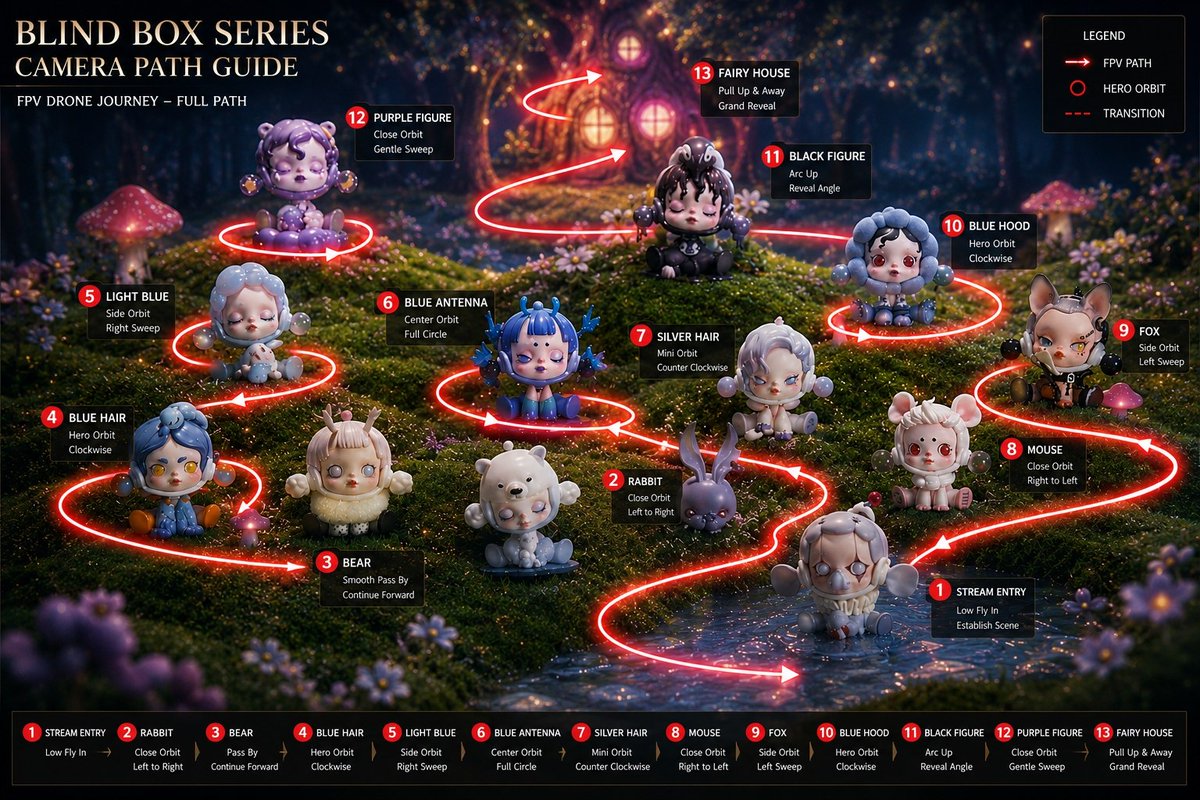
信息图 / 教育视觉 - 盲盒相机路径指南
#信息图
#UI 设计
#电影感
信息图 / 教育视觉 - 标注版中国烧烤美食海报
#信息图
#海报
#竖版 9:16
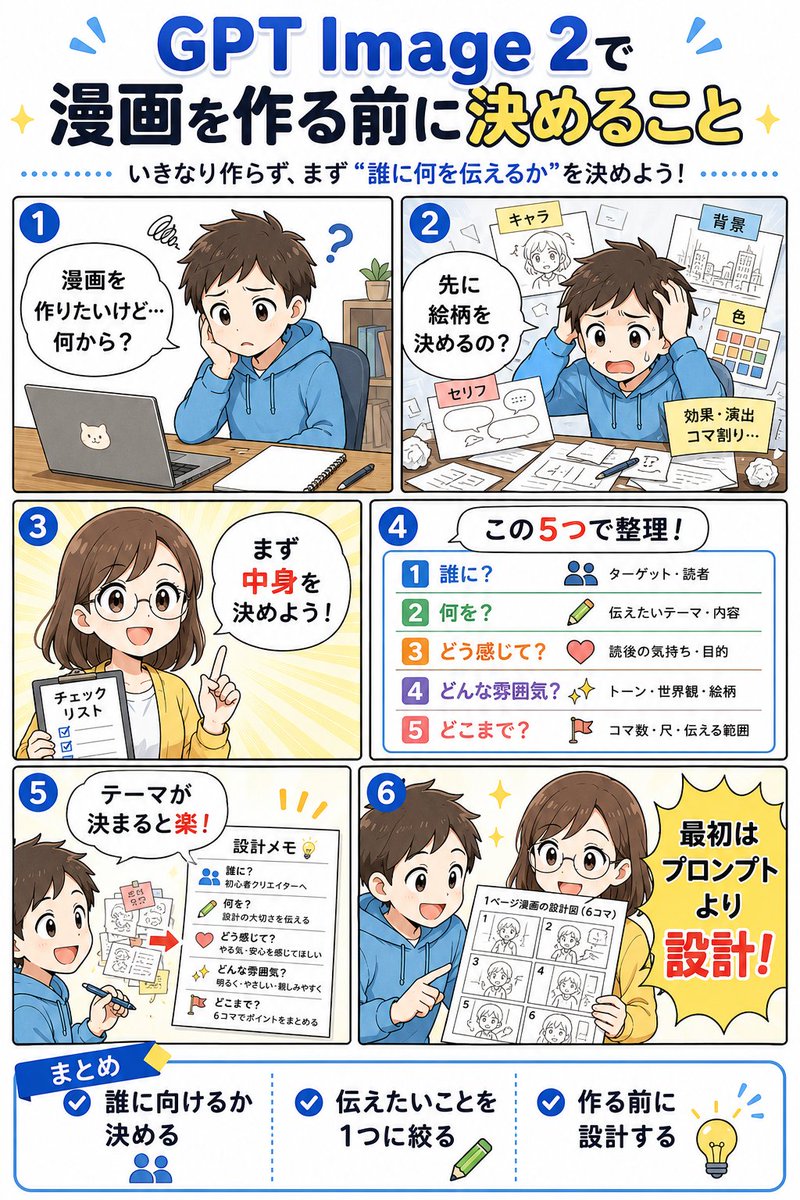
信息图 / 教育视觉 - GPT Image 2 漫画规划信息图
#信息图
#日系
#人像
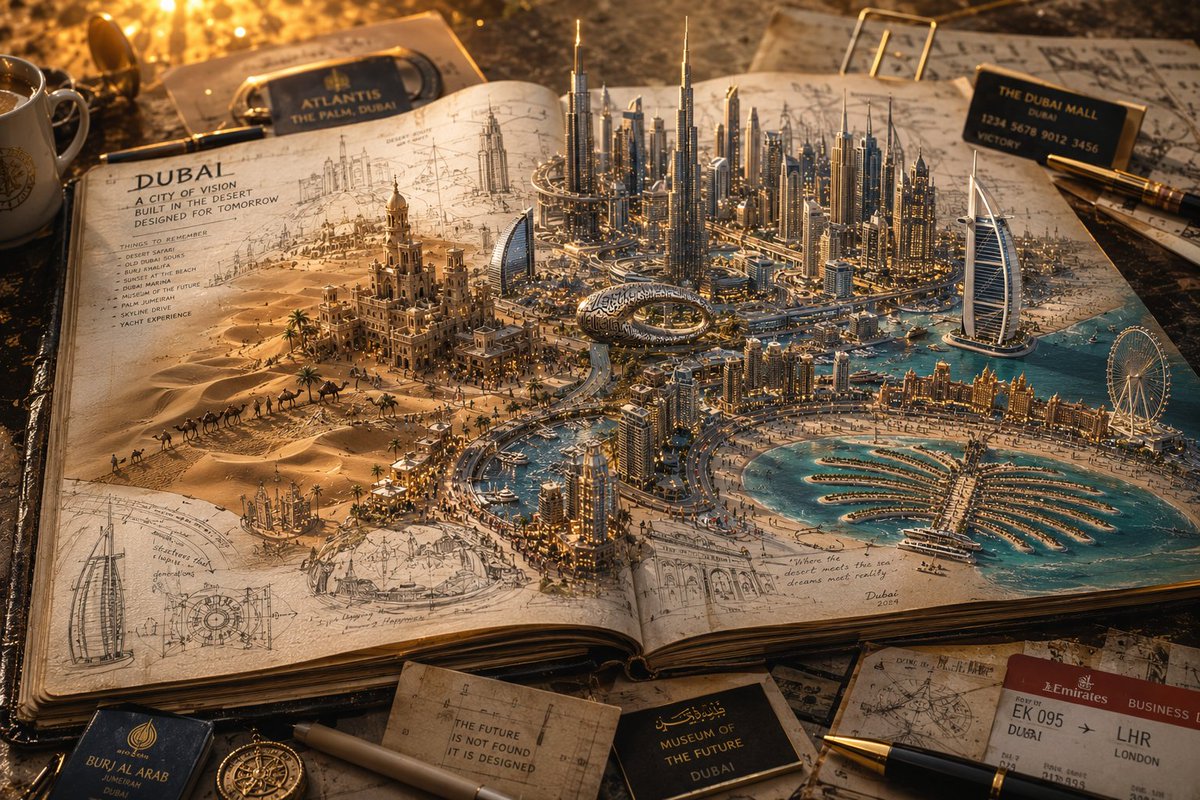
信息图 / 教育视觉 - 3D 笔记本世界旅行海报
#信息图
#人像
#风景
信息图 / 教育视觉 - 动漫AI课程演示缩略图
#信息图
#日系
#UI 设计
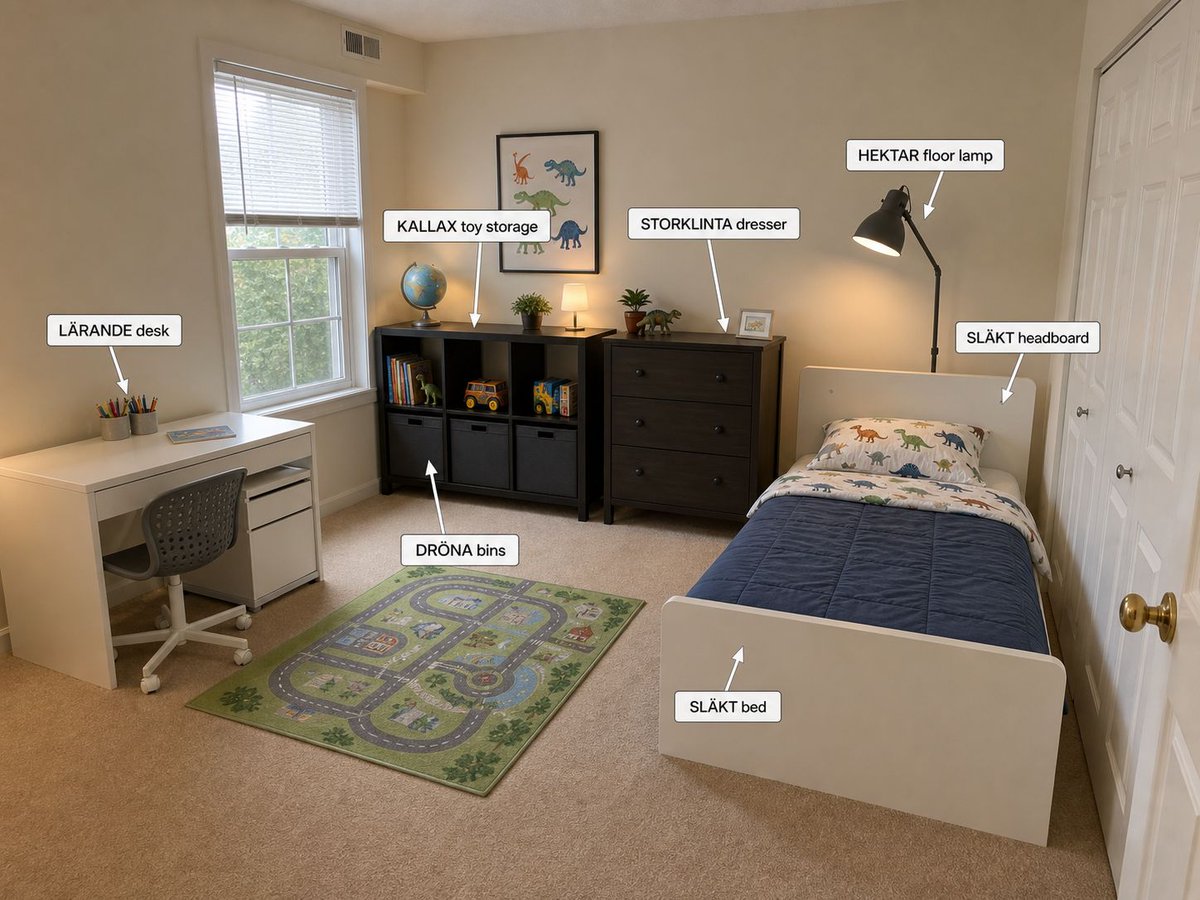
信息图/教育视觉 - 带标注的宜家儿童卧室设计
#信息图
#UI 设计
#风景
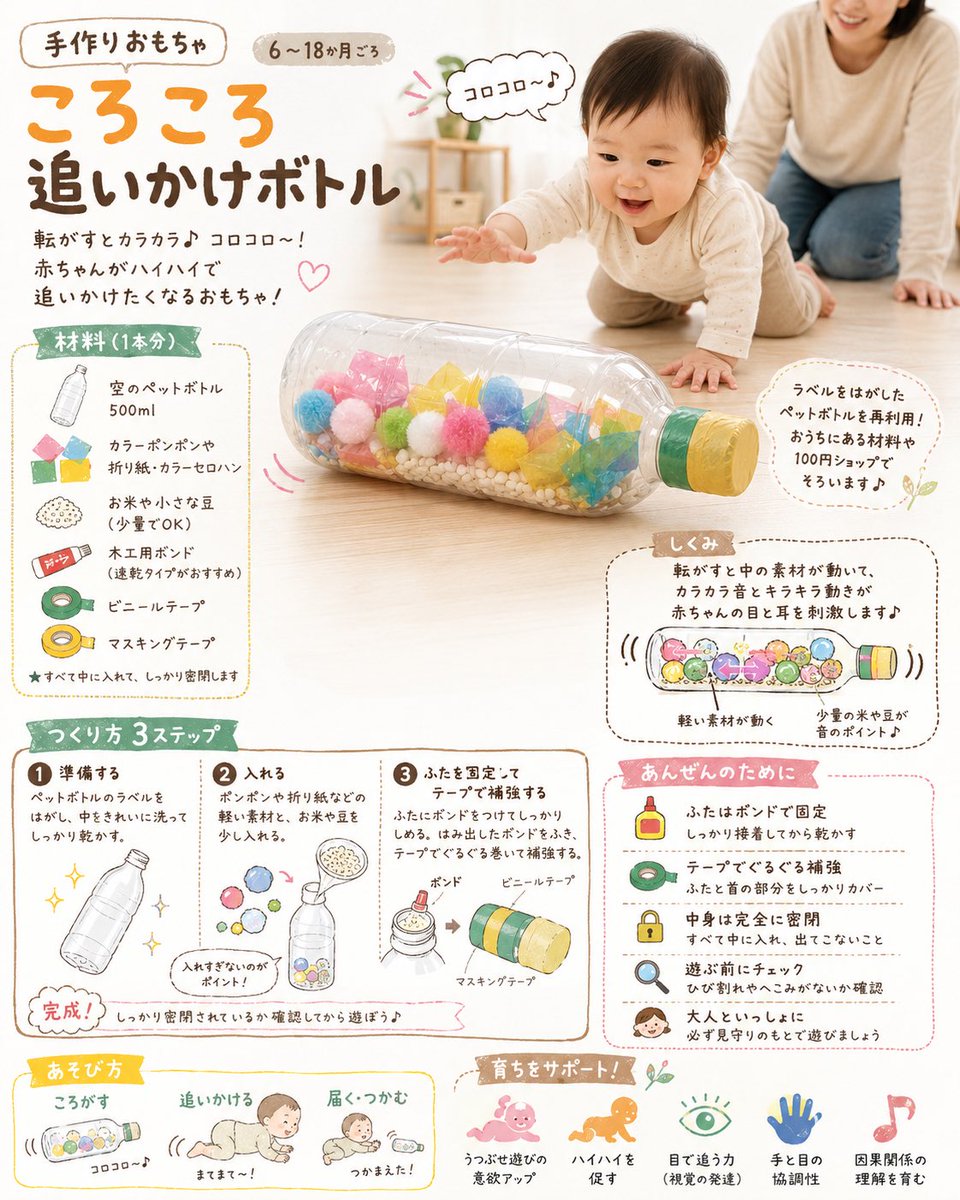
信息图/教育视觉 - DIY婴儿玩具概念图
#信息图
#电商
#示意图
信息图 / 教育视觉 - 金毛百科卡片
#信息图
#海报
#人像
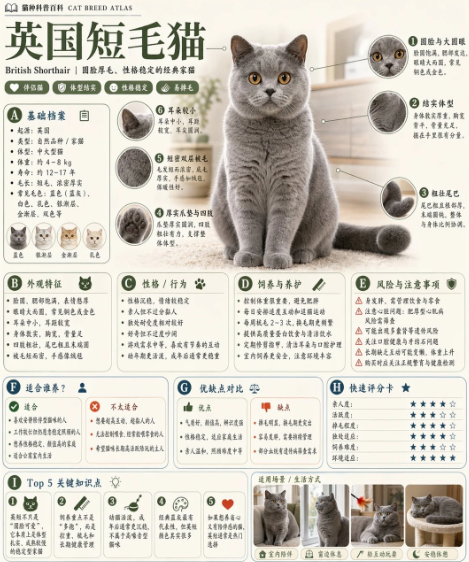
信息图 / 教育视觉 - 英国短毛猫百科卡片
#信息图
#竖版 9:16
#人像
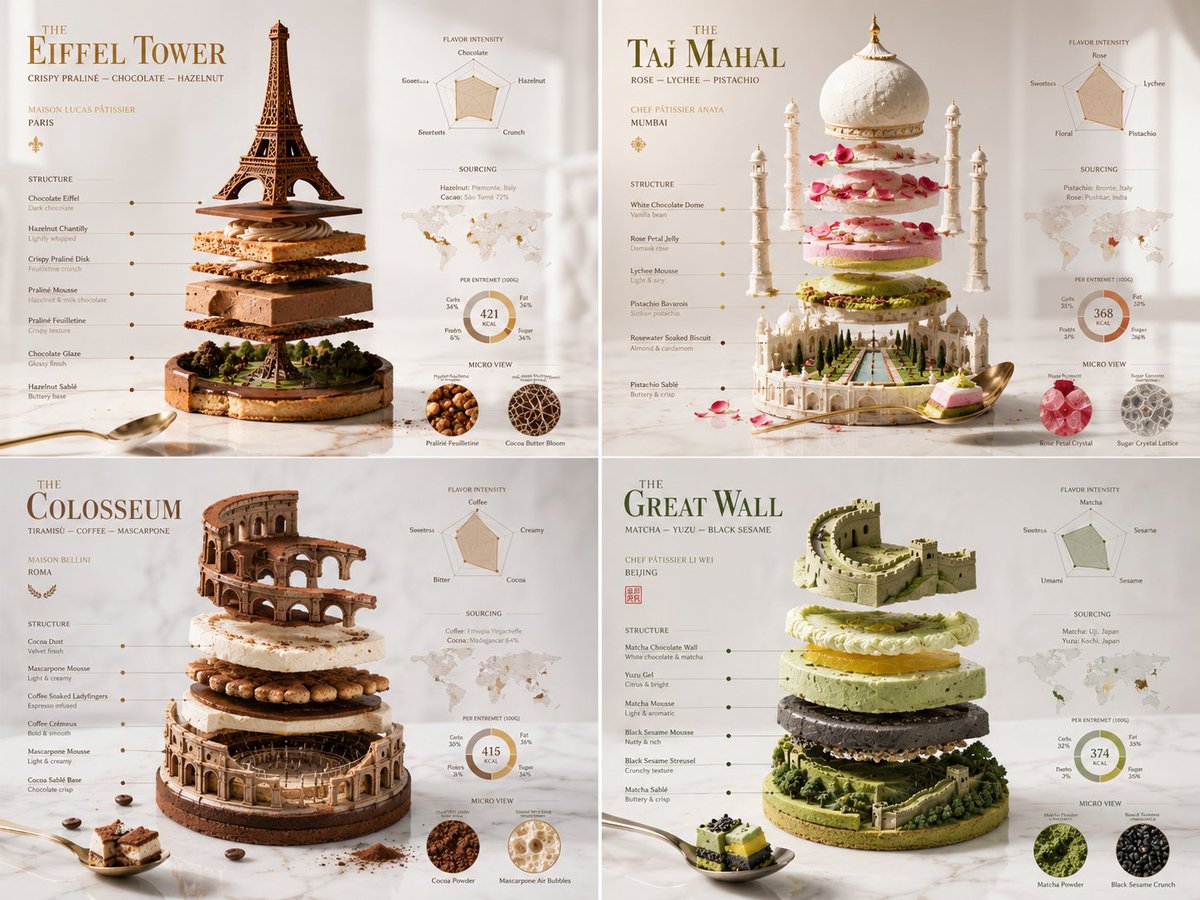
信息图 / 教育视觉 - 分解纪念碑糕点艺术
#信息图
#人像
#UI 设计