Official Guarantee | Direct connection to official models with stable generation, no throttling, and no degraded quality! Pro plans are on sale.Upgrade Now

Characters · Four-panel stories · Storyboards

AI Comic and Four-Panel Story Generator

Turn a story idea into a clear sequence of images. Start with one panel or a four-panel layout, describe the characters, actions and dialogue, and explore the result with the image generator.

Sign in to generate images. A 1K square image costs 1 credit. Other resolutions and image counts are charged according to your settings. Check characters, dialogue and reading order panel by panel. Character consistency across multiple pages needs separate verification.

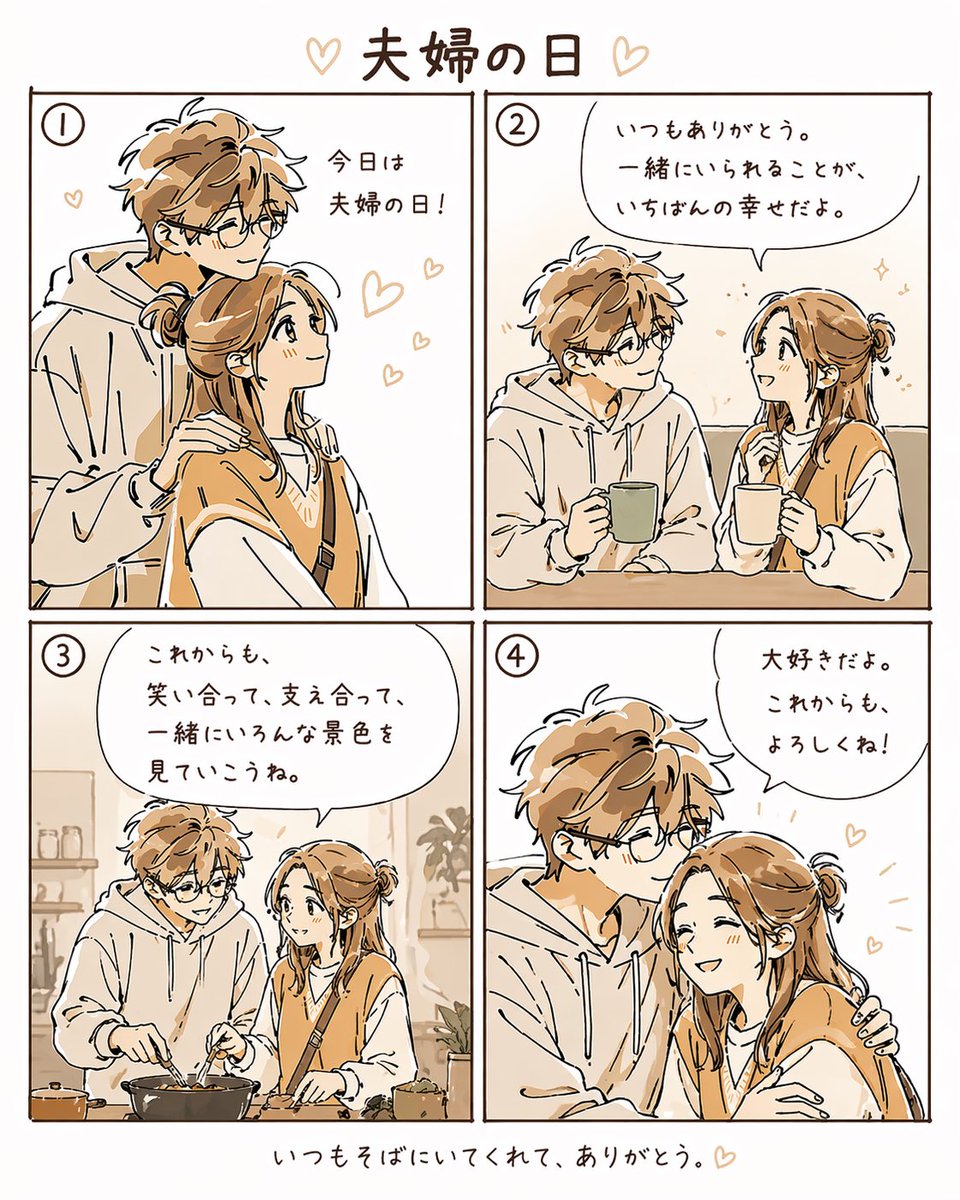
Warm Four-Panel Couple Manga: AI comics example

Warm Four-Panel Couple Manga

Inspiration example · Source: むく | AIアート× Threads · Generated results may vary

Choose a direction for your project

Single-panel comics and illustrated scenes

Express one action or reaction in a single image. Define the characters and setting, then describe the camera angle, drawing style and expressions.

Four-panel everyday stories

Plan a setup, an action, a twist and a resolution. Give each panel a clear action so the reading order is easy to follow.

Educational comics and storyboards

Break one concept into a few images with characters and explanations. Check facts, arrows and dialogue individually.

AI comics: inspiration and prompt templates

These examples come from their original creators in the inspiration library. Use them as visual references; they have not all been tested on image2.vip. These examples illustrate comic styles and panel layouts; they do not demonstrate automatic ongoing comic production. Replace the characters, story and language, start with a few panels, and check each one.

Warm Four-Panel Couple Manga

A warm four-panel story

Warm Four-Panel Couple Manga

Explore a 2×2 layout and everyday interactions, using four images to tell a simple story.

What to check: Check the panel count, clothing, action continuity and reading order. Replace the Japanese title.

Source: むく | AIアート× Threads
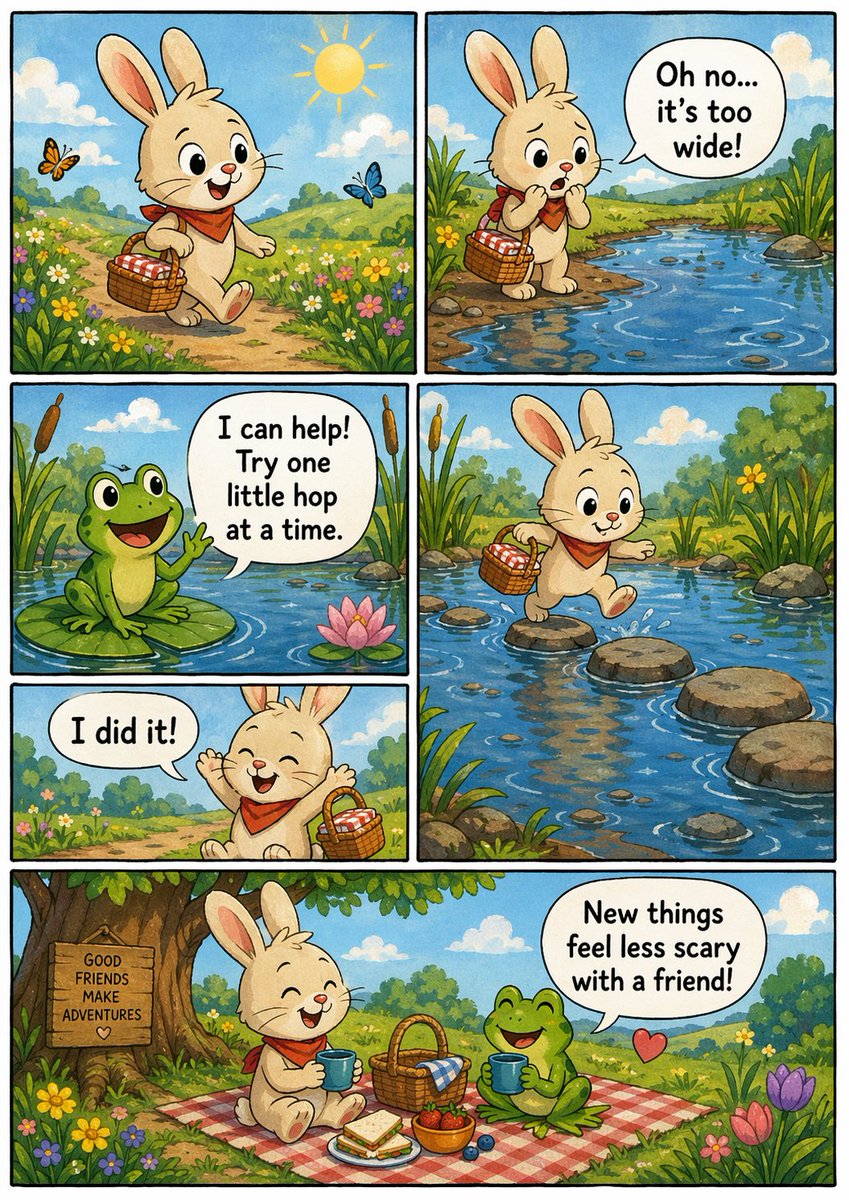
Independent Comic Book Page

An indie comic style

Independent Comic Book Page

Study the visual organization of a comic page, then add your own characters and panel-by-panel story.

What to check: The original prompt is brief. Specify the characters, panel count, actions and dialogue before generating.

Source: 宝玉
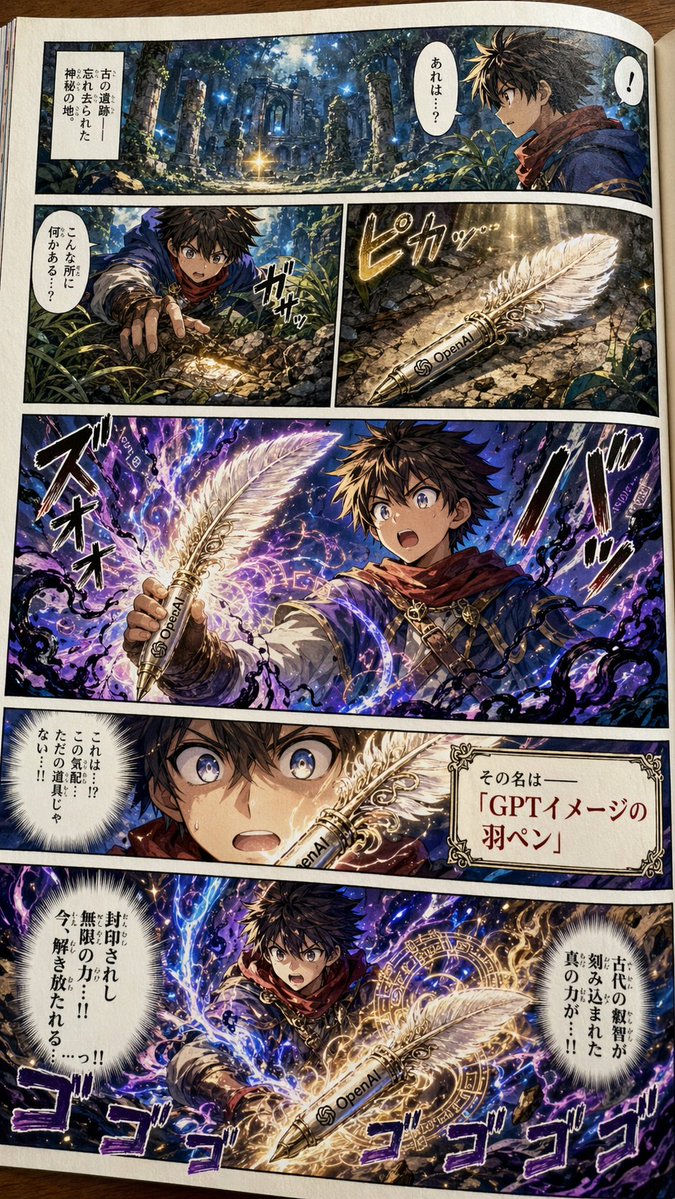
Colorful Shonen Manga Page

Adventure comics and dramatic shots

Colorful Shonen Manga Page

Explore dynamic camera angles and an adventurous mood to establish the visual focus of a comic page.

What to check: Replace the sample objects, logos and language. Check the panel sequence and character continuity.

Source: 宝玉
Explore more AI comics ideas

Break your story into a clear visual sequence

  1. 1

    Define the characters and story goal

    Describe the characters, clothing and setting, then summarize the event you want to show in one sentence.

  2. 2

    Describe each panel and its dialogue

    Specify the panel count and reading direction, with one main action per panel. Write the exact dialogue if needed and keep the text short.

  3. 3

    Choose a format and try one page

    Adapt the template in the generator and choose a size suitable for your layout. Upload character or layout references if needed, then generate one image to review.

  4. 4

    Review and adjust panel by panel

    Check the panel count, action sequence, character appearance and dialogue. Simplify complex stories first. Panel separation and further editing are manual steps.

Keep the character fixed and describe each panel

Define the character, panel count and reading direction first. One main action per panel makes the results easier to check than multiple events in every frame.

This example requests a four-panel layout. The panel count, lettering and character continuity may not be correct on the first attempt.

Create a 2×2 four-panel everyday comic, read from left to right and top to bottom. The main character is a gray cat wearing a blue scarf, with the same appearance in every panel. Panel 1: the cat prepares to go out while rain falls outside the window. Panel 2: the cat finds a small yellow umbrella. Panel 3: the cat stands at the door and notices the sun has come out. Panel 4: the cat happily walks outside, using the umbrella as a parasol. Simple hand-drawn lines, light backgrounds and clear panel borders. Do not add dialogue or decorative text.

AI comics: frequently asked questions

Can I generate an entire continuous multi-page comic at once?

You can try a single panel or several panels within one image. There is no ongoing comic management or guarantee of consistent characters across pages. Check each page and continue editing as needed.

Are the four-panel layout and reading order guaranteed?

No. You can specify a 2×2 layout and reading direction in the prompt, but generation may change the panel count or place actions incorrectly. Check the content and order of every panel.

How can I reduce changes in character appearance between panels?

Specify fixed hair, colors, clothing and accessories. Reuse the same character description and upload references if needed. Reduce the number of characters and complex actions, then compare panels.

Are dialogue, storyboard panels and frames automatically exported as separate files?

The result is one image, which may contain several panels. Check the dialogue for accuracy. Separating panels, adjusting speech bubbles and further layout work require editing.

Does using a prompt also add the example image?

Only the selected prompt is loaded into the generator. The example image is not added automatically. Replace the example people, products, brands and text with your own details, and upload your own reference images when needed.

Do I need to sign in, and how are generations charged?

You can browse examples and guides without an account. Sign in to submit a generation. Credit usage depends on output resolution and image count, and available settings depend on your plan. See the pricing page for details.

Start with a simple four-panel story

Choose one character, plan four actions and try the story in the generator.

Open generator

Explore more ways to create