
Perfume and beauty products
Cinematic Perfume Product Photography
Use warm light, reflections and props to establish a product mood.
What to check: Check the glass bottle shape, cap, label text and reflections.
Source: BrianChenProduct photography · Lifestyle scenes · Ad concepts
Start with a product reference image and explore backgrounds, lighting and composition. Browse product photography ideas, then use the image generator to create your own product visuals.
Sign in to generate images. A 1K square image costs 1 credit. Other resolutions and image counts are charged according to your settings. Compare the result with your original product photo to check shape, color and packaging details.
Cinematic Perfume Product Photography
Inspiration example · Source: BrianChen · Generated results may vary
Try a simple background, a fully visible product and soft shadows. Start by checking shape, materials and packaging.
Describe a tabletop, interior or outdoor setting. Limit props that obscure the product and keep the background focused on presenting it.
Explore color palettes, negative space and atmosphere. Check brand text, prices and product claims separately; refine complex layouts in an editor.
These examples come from their original creators in the inspiration library. Use them as visual references; they have not all been tested on image2.vip. Use a prompt to open it in the generator. Replace the example product, brand, copy and watermark instructions, then upload your own product photo.
Perfume and beauty products
Use warm light, reflections and props to establish a product mood.
What to check: Check the glass bottle shape, cap, label text and reflections.
Source: BrianChen
Product displays and home goods
Use clean backgrounds, centered composition and soft shadows to highlight the product.
What to check: Check the number of accessories, connections and materials. Rendered details are not verified product specifications.
Source: amy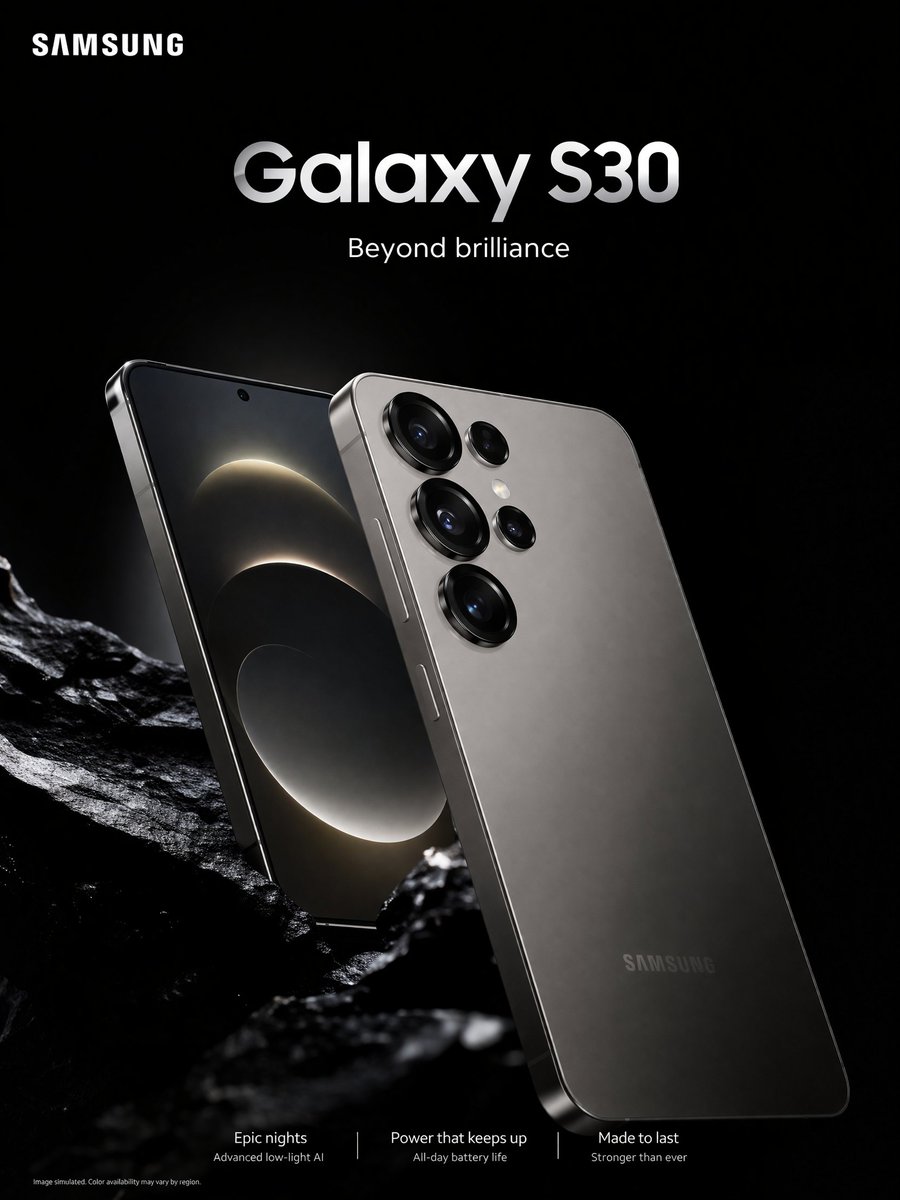
Consumer electronics ads
Explore dark backgrounds and rim lighting to highlight metal surfaces and product edges.
What to check: Replace the example brand and model. Check cameras, ports and promotional text.
Source: IDK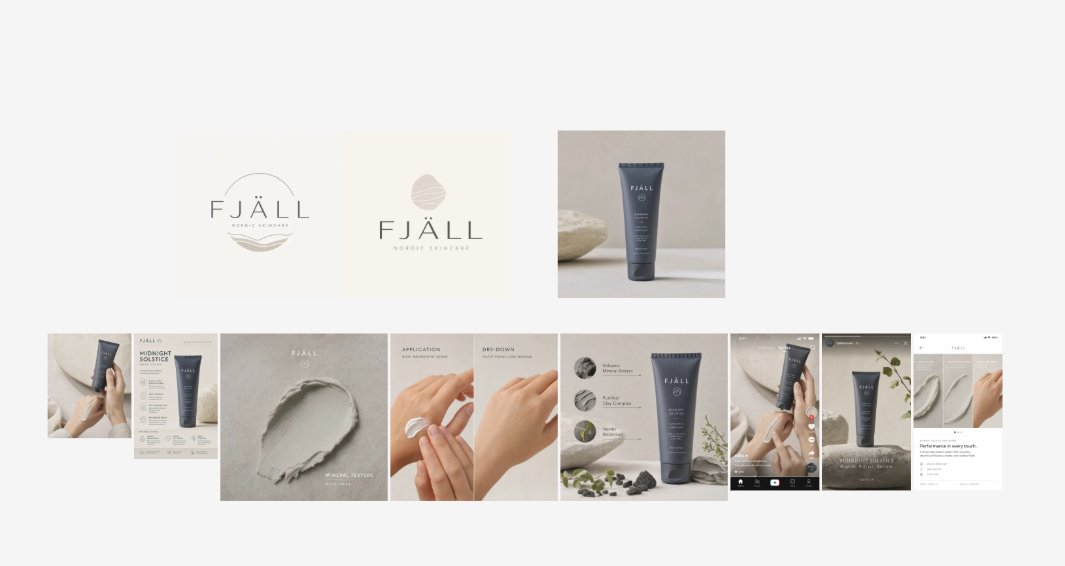
Skincare brand visuals
Use muted colors, natural props and negative space to plan a set of brand assets.
What to check: Multi-image layouts are more complex. Try a single product image first, then check packaging and text consistency.
Source: Lovart 公式 (ラブアート)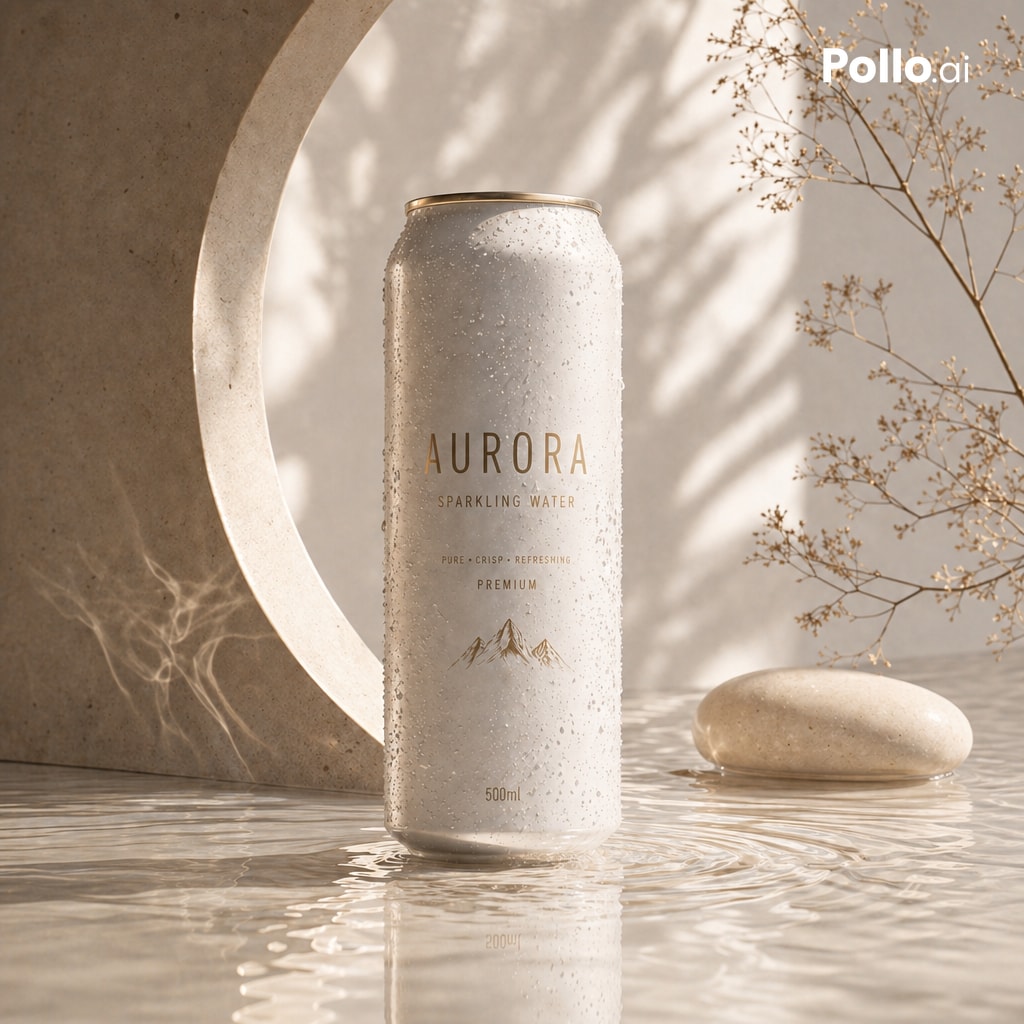
Drinks and food packaging
Explore water reflections, condensation and soft light for a refreshing look.
What to check: Replace the example product, label and watermark instructions. Verify packaging colors and volume text.
Source: Guillermo Casaus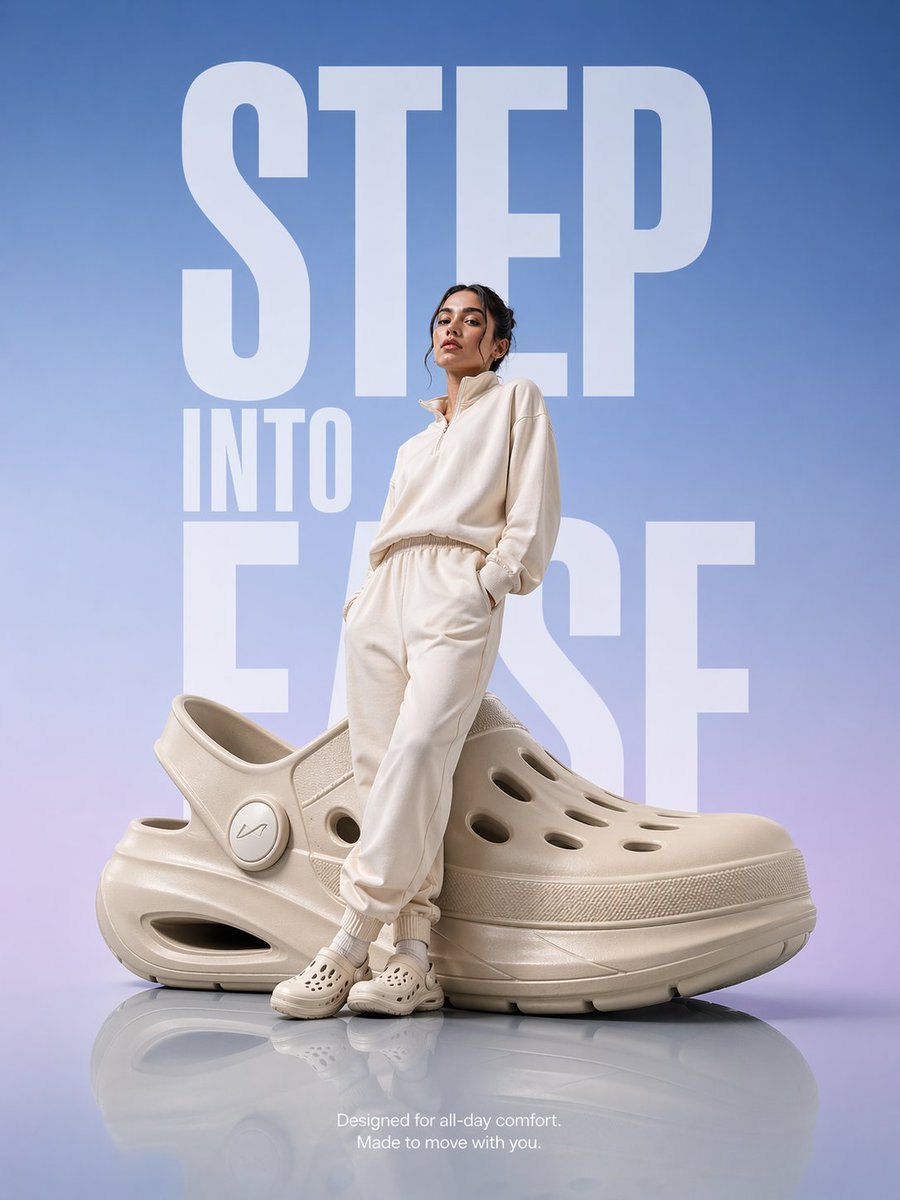
Footwear and fashion ad concepts
Explore gradient backgrounds and exaggerated compositions for promotional posters.
What to check: Exaggerated proportions can suit concepts. For product displays, recheck the real proportions and appearance.
Source: PromptLabChoose a well-lit photo showing the whole product. Make packaging, colors and key accessories visible. Add other angles for complex products.
Pick a visual direction below and replace the example product, brand and copy. Describe the background, lighting, composition and details to preserve separately.
Open the prompt in the generator and upload your product photo. Generate one image first. Choose a square, landscape or portrait format for your intended use.
Compare shape, color, logos, packaging text and accessories with the original. If needed, reduce props, simplify the scene or add a better reference image and try again.
Describe the product first, followed by background, light and composition. Change one main factor at a time so results are easier to compare. A request to preserve details still needs checking against the output.
This is a prompt-writing example. Upload your own reference and adapt the product description before generating.
Use my uploaded product photo as a reference to create a clean product display image. The subject is a clear glass skincare bottle. Preserve the bottle silhouette, cap and packaging colors as closely as possible. Use a light gray studio background with soft side lighting. Show the whole product centered in the frame with a natural shadow underneath. Do not add other products or decorative text. Check the cap structure, label and glass reflections in the result.
For an existing product, upload a clear reference and describe its key features. Text-only prompts are useful for exploring concepts and styles, but the generated product may differ from the real one.
There is no guarantee. References and prompts can specify details to preserve, but generation may still alter structure, colors or text. Compare every important detail with the original and refine the image if needed.
Square images are useful for centered product displays, landscape images for scenes and negative space, and portrait images for promotional posters. Choose from the available generator sizes and check the destination platform requirements before publishing.
The model interprets the whole image again. Complex props, obscured features and unclear references can increase differences. Try a simpler background and a more complete product photo, and specify the key features to check.
Only the selected prompt is loaded into the generator. The example image is not added automatically. Replace the example people, products, brands and text with your own details, and upload your own reference images when needed.
You can browse examples and guides without an account. Sign in to submit a generation. Credit usage depends on output resolution and image count, and available settings depend on your plan. See the pricing page for details.
Upload a reference, generate one image and compare it with the original.
Xiaohongshu cover ideas, title space and layouts
Reference photos, avatar styles and profile crops
Expressions, poses and static sticker ideas
Single panels, four-panel stories and storyboards
Visual explanations, process diagrams and information hierarchy
Event themes, promotional copy and reading order
Character features, multiple views and outfit references
Reference photos, settings and portrait styling
Brand names, symbols and color exploration