Official Guarantee | Direct connection to official models with stable generation, no throttling, and no degraded quality! Pro plans are on sale.Upgrade Now

Expressions · Character poses · Static stickers

AI Meme and Sticker Maker

Turn an emotion into an image people can understand at a glance. Choose a character, a pose and an optional caption, then explore animal, chibi or hand-drawn sticker styles.

Sign in to generate images. A 1K square image costs 1 credit. Other resolutions and image counts are charged according to your settings. Results are static images. Check captions, cropping and individual stickers before editing or using them.

Profile/Avatar - Kawaii Chibi Sticker Pack Generator: Memes & stickers example

Profile/Avatar - Kawaii Chibi Sticker Pack Generator

Inspiration example · Source: Johnn · Generated results may vary

Choose a direction for your project

Reaction images for chats

Start with one clear emotion and express it through a pose and facial expression: waving happily, falling asleep at a desk or gasping in surprise.

Character and pet stickers

Describe recognizable features and use simple backgrounds with clear outlines so the character remains easy to identify at small sizes.

Ideas for a sticker set

Plan a small set of emotions and poses, then compare the character in each image. Sticker grids can help explore a direction, but every sticker still needs checking after you separate it.

Memes & stickers: inspiration and prompt templates

These examples come from their original creators in the inspiration library. Use them as visual references; they have not all been tested on image2.vip. Use the sticker sets as references for characters, poses and expressions. Complex grids may contain unusable cells, so start with a single image. Replace the sample captions and character details.

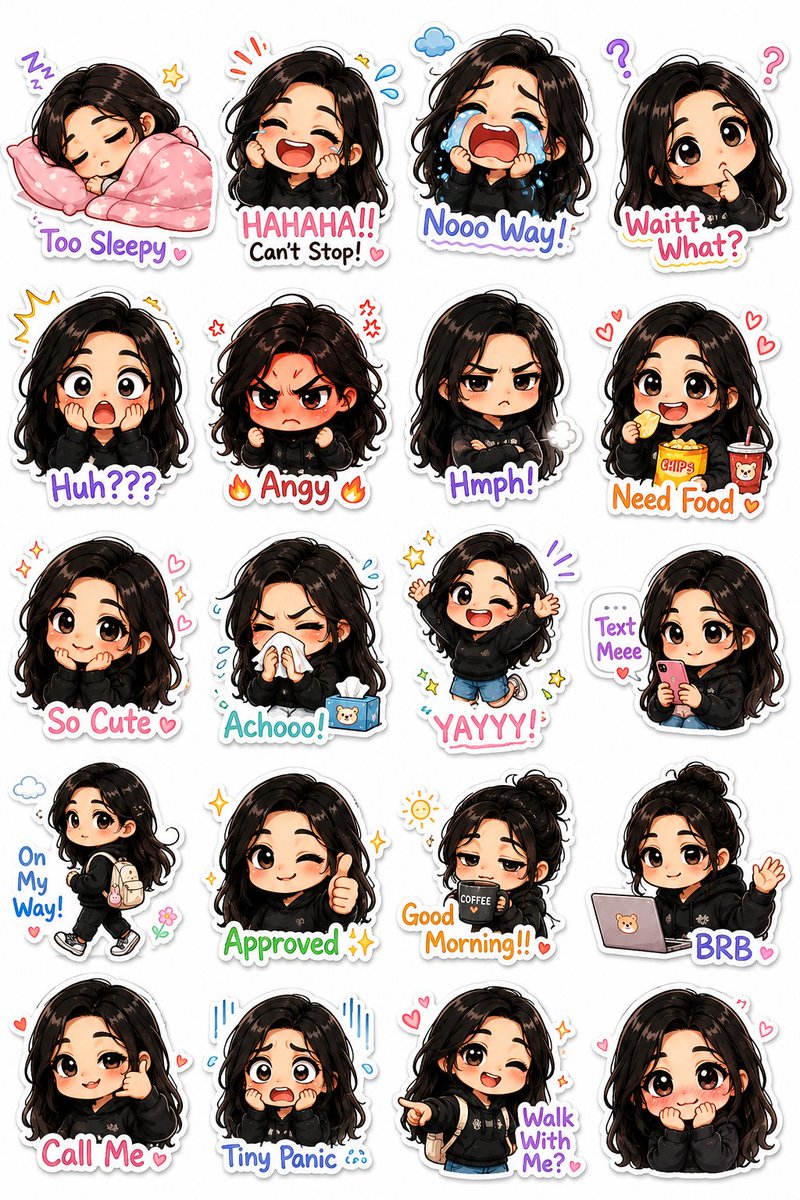
Profile/Avatar - Kawaii Chibi Sticker Pack Generator

Chibi character stickers

Profile/Avatar - Kawaii Chibi Sticker Pack Generator

Explore chibi versions of recognizable character features and express different emotions through clear poses.

What to check: Compare glasses, hair and clothing so the stickers do not appear to show different characters.

Source: Johnn
Cute Animal Sticker Generator

Animal stickers with captions

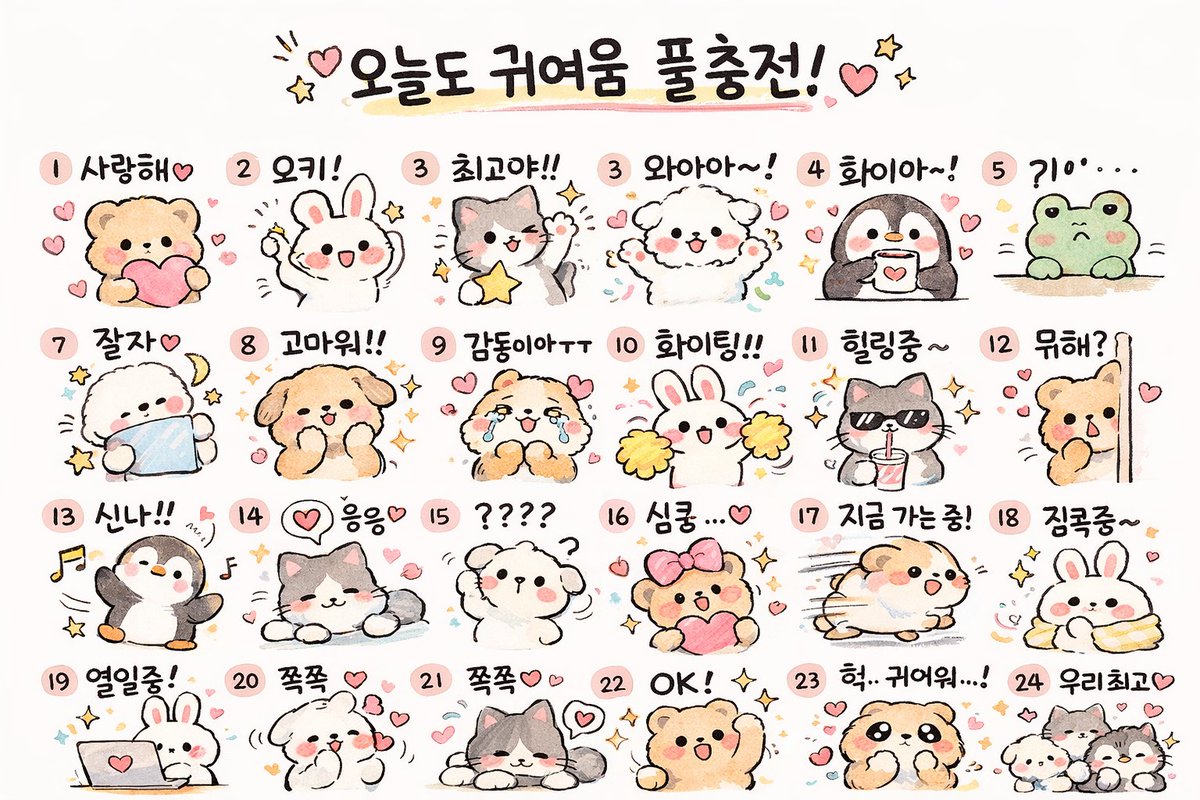
Cute Animal Sticker Generator

Study animal silhouettes, simple poses and short captions. Try a smaller grid to begin with.

What to check: Check that captions match the poses and look for overlapping, missing or cropped content in each cell.

Source: Cho Jaehun
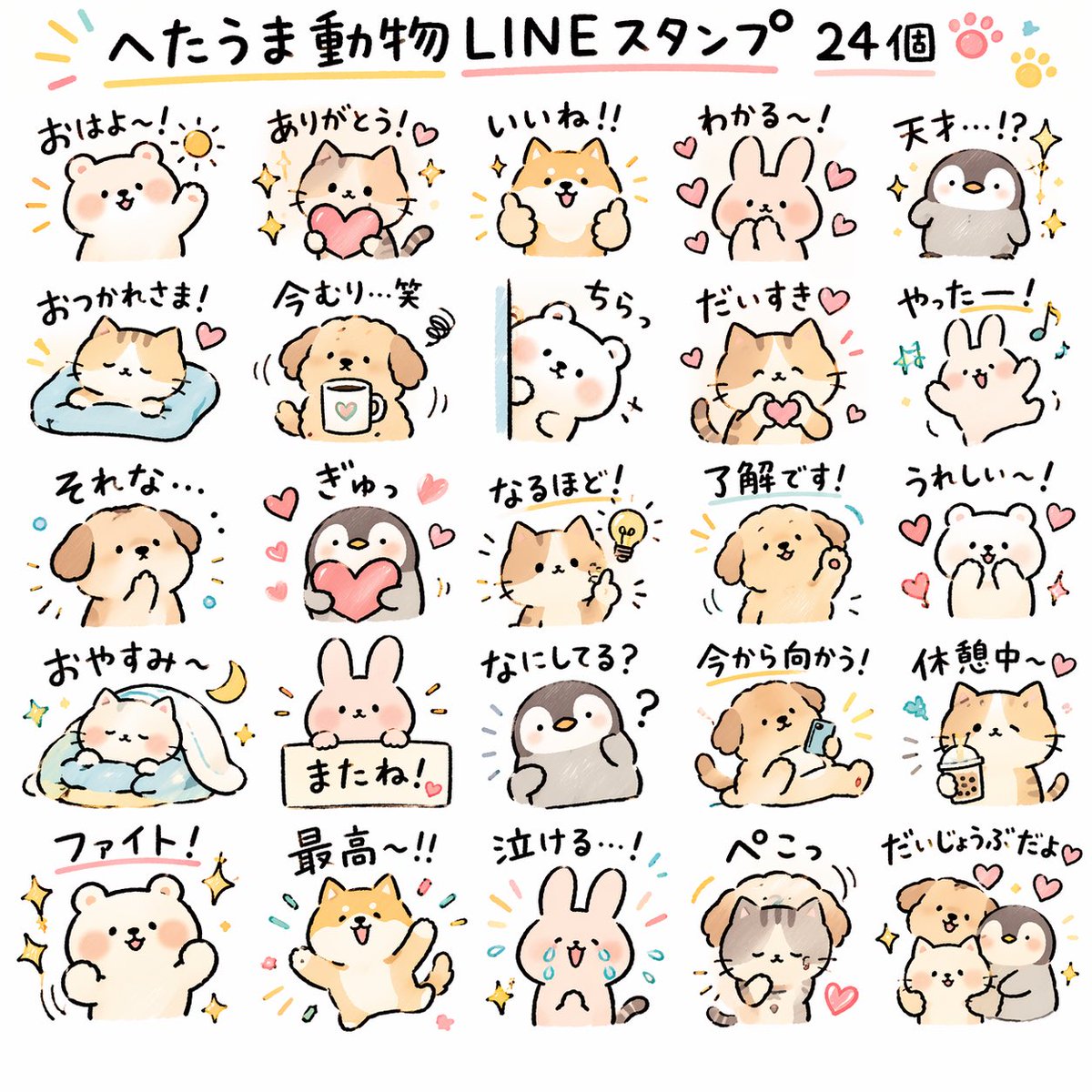
Playful Animal Sticker Pack

Hand-drawn animal reactions

Playful Animal Sticker Pack

Explore hand-drawn styles and animal expressions, then adapt the theme to your own characters.

What to check: Replace the sample audience and wording. Check the sticker count, drawing style and every character.

Source: みどり🐲Midori Tatsuta
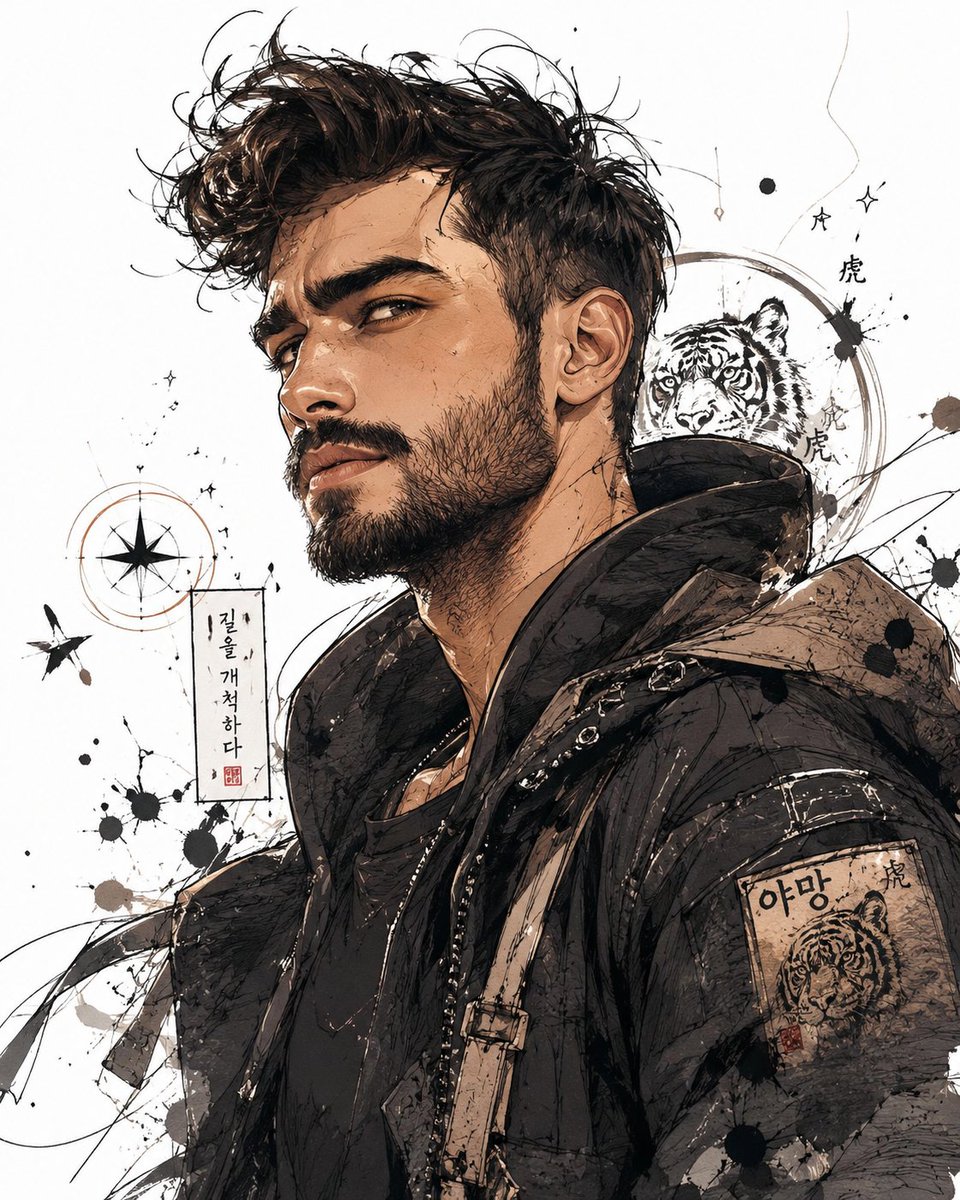
Profile/Avatar - Korean Style Expressive Character Illustration

Expressive character illustrations

Profile/Avatar - Korean Style Expressive Character Illustration

Study upper-body poses and facial expressions, starting with a single clearly expressed emotion.

What to check: Make sure the expression and pose communicate the same emotion, and remove unnecessary background details.

Source: HeisenLegacy
Explore more Memes & stickers ideas

Turn an emotion into a clear visual prompt

  1. 1

    Choose a character and an emotion

    Pick a person, pet or original character. Define the emotion for one image rather than combining too many meanings.

  2. 2

    Add a pose and an optional caption

    Describe the eyes, mouth and body language. If you need text, specify the exact short caption, or generate without text and add it later.

  3. 3

    Generate a single static image first

    Adapt the template in the generator and upload a person or pet reference image if needed. Check that one image reads clearly before exploring more emotions.

  4. 4

    Check at small sizes and crop

    Make sure the expression remains recognizable when reduced. Separate grid images yourself, and review the captions and backgrounds before using them.

Describe the emotion, pose and caption separately

Use one character and one clear emotion, with a pose that reinforces it. Keep captions short, and first check whether the image communicates the meaning on its own.

This example produces a single static image. It does not include animation, automatic sticker separation or submission to a messaging platform.

Create a cute hand-drawn cat reaction image. The character is a round-faced gray-and-white cat feeling happy, raising both paws to wave, with smiling eyes and an upturned mouth. Soft colors, clear outlines, a plain light background, square composition and space around the character. Do not add text, logos or other characters.

Memes & stickers: frequently asked questions

Can I generate animated GIF reactions directly?

This page connects to a static image generator. It does not create animation frames or export GIFs. You can generate character expressions first, then animate them in a separate editing workflow.

Are stickers automatically separated with transparent backgrounds?

No. A prompt can request a simple background, but you still need to check the actual background, edges and grid. Background removal, cropping and separation require further editing.

How can I make a sticker set look like the same character?

Reuse the character description, colors and reference images, changing only the emotion and pose each time. Generation may still alter the appearance, so compare each result.

Why do generated captions contain mistakes?

Generated lettering can contain misspellings or layout errors. Check every word. For accurate captions, generate the image without text and add the wording in an editor.

Does using a prompt also add the example image?

Only the selected prompt is loaded into the generator. The example image is not added automatically. Replace the example people, products, brands and text with your own details, and upload your own reference images when needed.

Do I need to sign in, and how are generations charged?

You can browse examples and guides without an account. Sign in to submit a generation. Credit usage depends on output resolution and image count, and available settings depend on your plan. See the pricing page for details.

Start by turning one emotion into an image

Pick a character, describe a pose and try a single static reaction image in the generator.

Open generator

Explore more ways to create